Large print
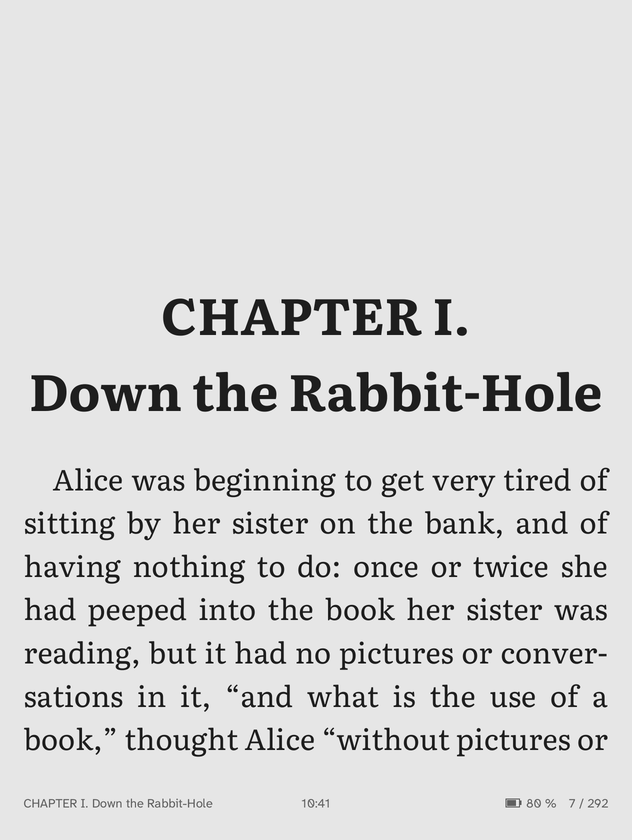
Bigger text in books and menus: a larger interface, a larger font and more space between lines.
A data plugin without code: it only changes defaults, so anything you set yourself still wins. It is also the example to start from when you make a data plugin of your own.
Screenshots

Download
1 KB
large-print-1.0.0.zip
How to install
- Unpack the ZIP into the plugins folder of the reader (on Android: QuireInk/plugins), so that the folder large-print holds plugin.ini.
- Restart QuireInk. The plugin shows in Settings, Plugins, where it can be switched off again.
Particulars
- Kind
- A folder of text files
- Category
- Look
- Runs on
- Every device, the X4 included
- Tags
- accessibility, typography
- Author
- QuireInk
- Licence
- Apache-2.0
- Version
- 1.0.0, 2026-10-16
- Made for
- QuireInk 0.3
- SHA-256
- 2d568f27475034822bd1c89d214869bfc594bfb14355414fc908521c98859a93